


Godot’s Scene System Is Just Brilliant
At inkle, we're currently making our first game in Godot after using Unity for just under 10 years. So far, I couldn't be happier!
I mentioned on Bluesky that I was thinking of writing a post about a few of my favourite Godot features. For now, I only want to talk about one of them, because it's hands down my absolute favourite. It's so fundamental to Godot, and I just can't get over how good it is.
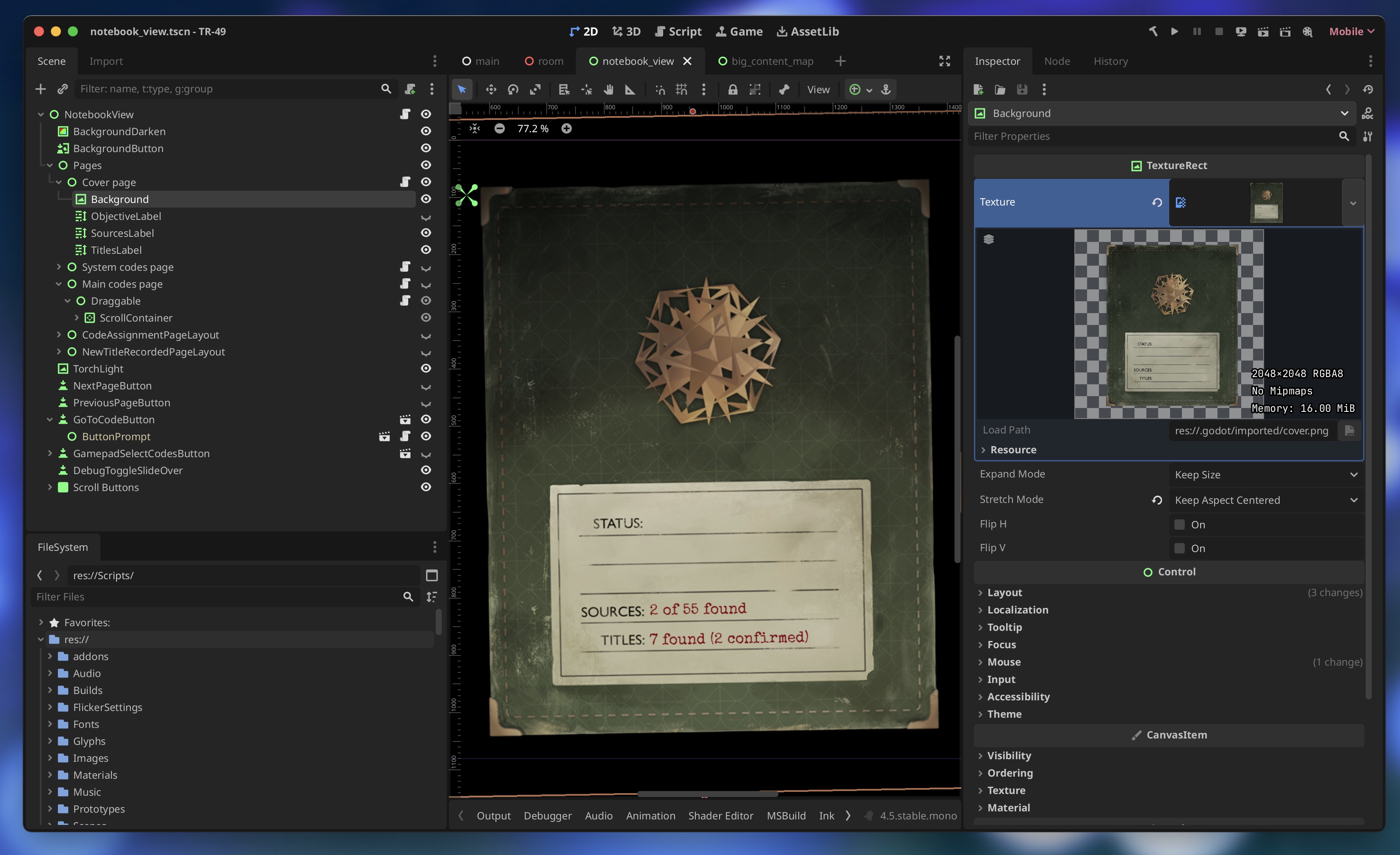
Our upcoming game TR-49 in the Godot editor, with the notebook scene open.
Compared to Unity, the scene system just makes far more sense than the whole scene and prefab tangle that Unity ended up with. Especially once nested prefabs arrived and the whole thing grew a second head. Godot feels like someone stepped back, looked at the mess, went for a long walk, and came back with something simpler and much more powerful.
How scenes actually work
In Godot, a scene is just a hierarchy of nodes that can contain anything from an entire level to a tiny UI element. You can instance scenes inside scenes and nest them as deeply as you like. It is modularity baked right into the structure of the engine.
Before I had even touched Godot, this was one of the features I was most looking forward to. It didn’t disappoint, and it even had a few surprises up its sleeve.
The UX twist I didn’t expect: tabs
What I hadn’t expected was the UX paradigm: scenes are treated like independent documents that are opened in their own tabs, exactly like having multiple files open in your code editor, or multiple PSDs open in Photoshop. For the first few minutes this threw me slightly, but when it clicked it seemed totally obvious.
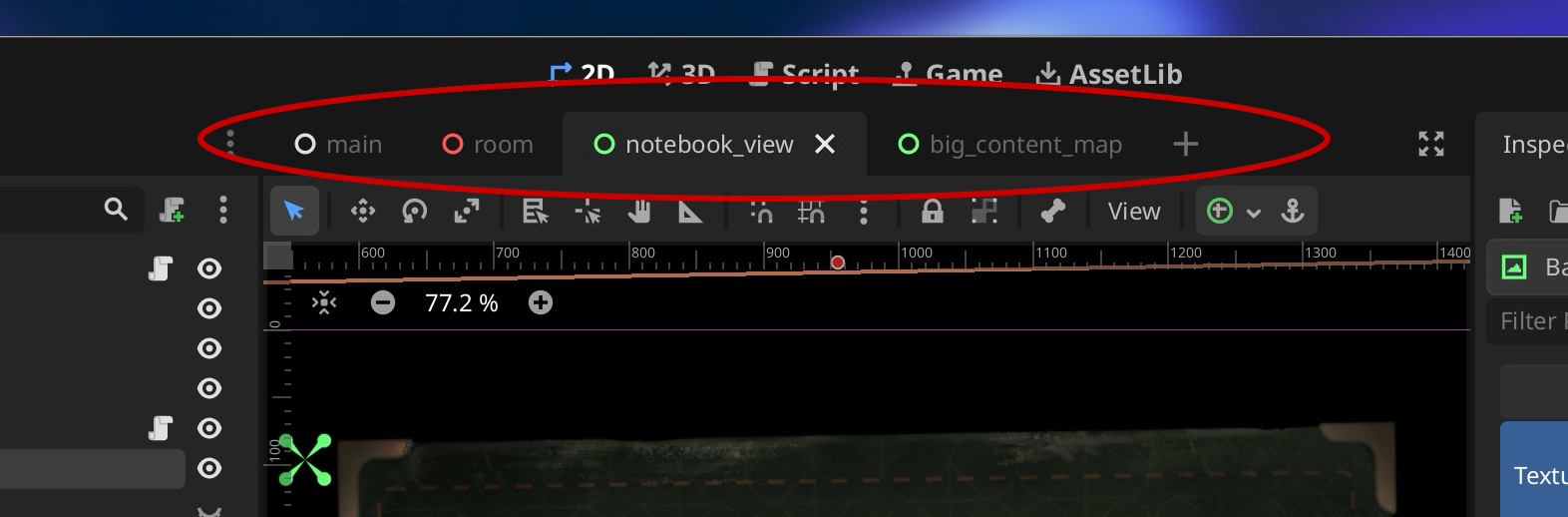
You can flip between several scenes and their hierarchies at once, editing different parts of your project simultaneously. If you've used tabs in any creative tool ever, you won't need me to explain that to you, though it does throw Unity's approach into stark relief: its approach of only loading one monolithic scene at a time (or multiple additively), with a weird and fragile prefab mode, now seems absolutely wild.
Nesting scenes is simple by default
When you nest one scene in another, you don't see its children by default. Instead of the implementation details of that scene exploding all over your parent hierarchy, you just see a single, clean node where it's been instanced. It keeps the parent scene readable while still letting you package up a whole bunch of complexity inside: a chunk of UI, a reusable interaction, or even a little collection of pick‑ups. Most of the time, I just want to split up a hierarchy so it's easier to think about, not start customising every single instance.
This ends up being a better approach to prefabs than Unity's prefabs themselves, because the instance behaves like a tidy, self‑contained unit rather than a little explosion of overrides waiting to happen.
Testing scenes in isolation
Another surprise for me: there is a separate play button for playing the current scene, whichever scene tab is active. And that scene can be anything. A whole level, a tiny component, a random bit of UI floating in space.
This is fantastic for testing features in isolation. In our latest game, we have a notebook overlay, and it was trivial to load and test that as its own scene.
It might take you a bit of time to figure out how large or small your scenes should be. I definitely went a bit too fine-grained at first. But once you get your head around it, you end up flying. It's a system that rewards a bit of thought up front and pays you back every single day afterwards.
Godot has lots of features I really like, but the scene system is the one that makes the whole engine feel fresh and modern. It's simple and powerful. And once you get used to it, returning to the alternative feels a bit like using a web browser that's banned tabs and the back button.